Build skills, publish courses, and earn verified certificates
SCMS helps schools, teachers, students, alumni, and independent learners discover practical courses, complete guided lessons, prove skills through assessments, and download verified certificates with confidence.
The redesigned shell keeps primary actions close, surfaces status clearly, and feels more like a modern SaaS workspace than a school intranet.
Attendance matrix
Monthly and bi-monthly attendance views with cleaner review and export flow.
Scoped access
Teachers only see the students, courses, and grades tied to their own classrooms.
Discover courses visible to every school user
Browse polished, discoverable courses with visual covers, concise descriptions, and real classroom context. Open courses are instantly available, while department courses are reviewed before public release.
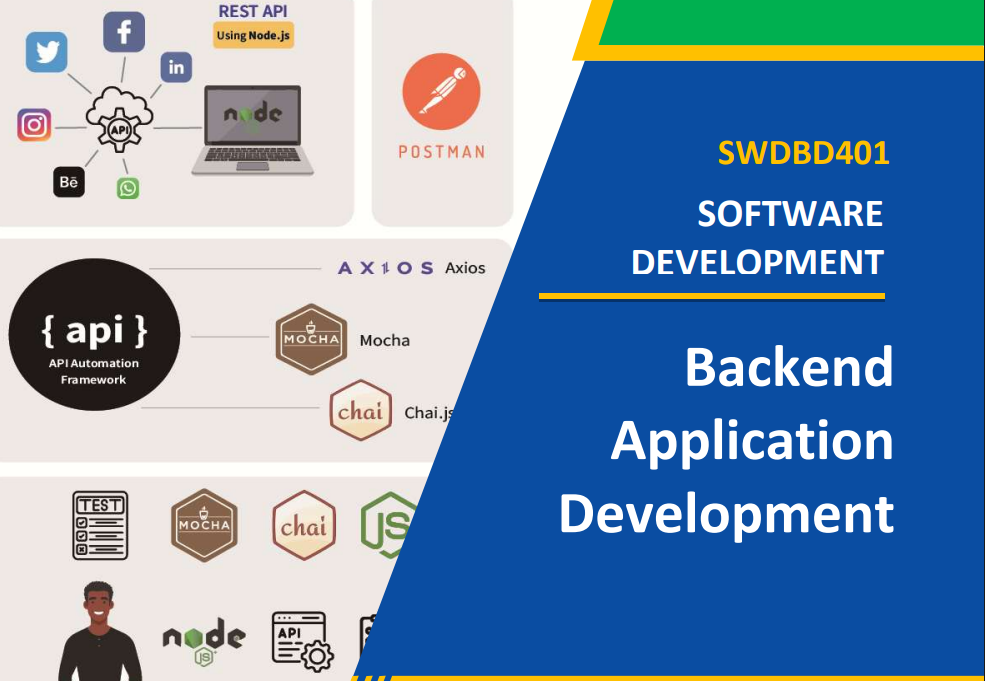

Develop a Backend Application Using Node.js
Learn how to build secure and scalable backend applications using Node.js and Express. Create RESTful APIs, connect to databases, and implement authentication and server-side logic. Gain practical skills for developing modern web application backends.
Perform Basic Windows Server Administration
Understand the fundamentals of installing, configuring, and managing Windows Server environments. Learn user and group management, file sharing, Active Directory basics, and server security practices. Develop the essential skills needed to administer and maintain Windows-based servers effectively.
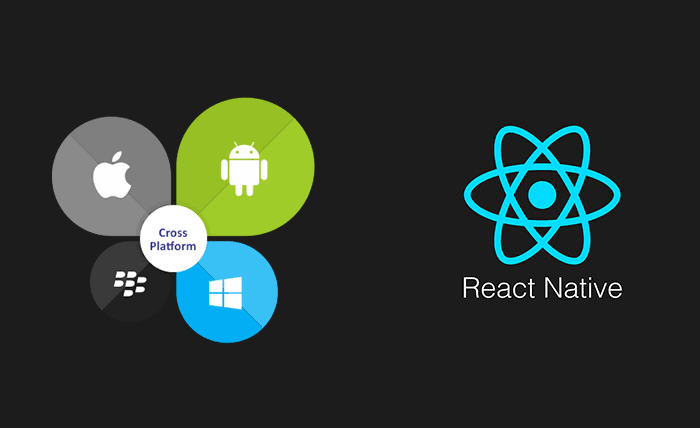
React Native Basics
Create native apps for Android, iOS, and more using React React Native brings the best parts of developing with React to native development. It's a best-in-class JavaScript library for building user interfaces.
Python Programming Fundamentals
Python is a popular programming language. Python can be used on a server to create web applications. Python is easy to learn - You will enjoy it!

Mobile App Development with Flutter
Flutter transforms the entire app development process. Build, test, and deploy beautiful mobile, web, desktop, and embedded apps from a single codebase.
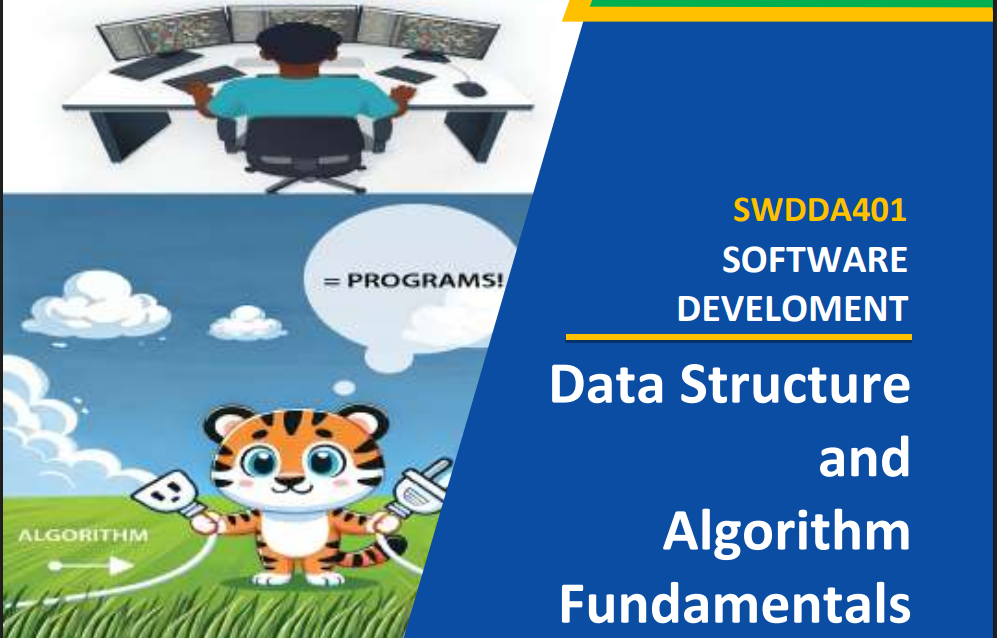
Apply Data Structure and Algorithm fundamentals using JavaScript
Learn the core data structures and algorithms used in modern software development with JavaScript. Practice solving programming problems using arrays, linked lists, stacks, queues, trees, and sorting techniques. Build a strong foundation for writing efficient and optimized code.

Apply fundamentals of Blockchain
Apply fundamentals of Blockchain
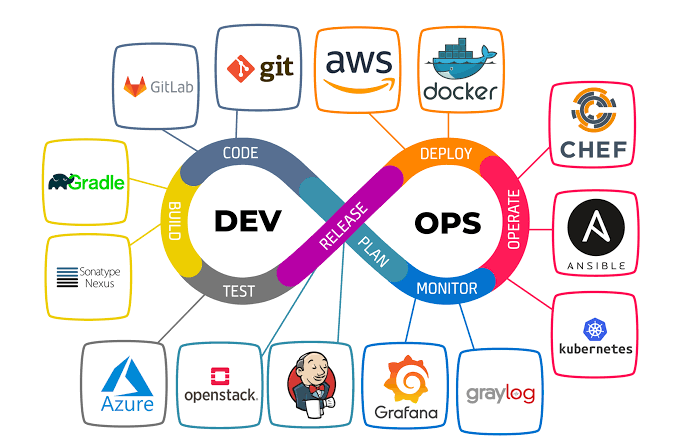
Apply DevOps Techniques
Applying DevOps techniques means uniting software development and IT operations through automated pipelines, shared responsibility, and continuous feedback loops to deliver stable software faster.
Vue Js Web Framework
Builds on top of standard HTML, CSS and JavaScript with intuitive API and world-class documentation. Efficient. Truly reactive, compiler-optimized rendering.
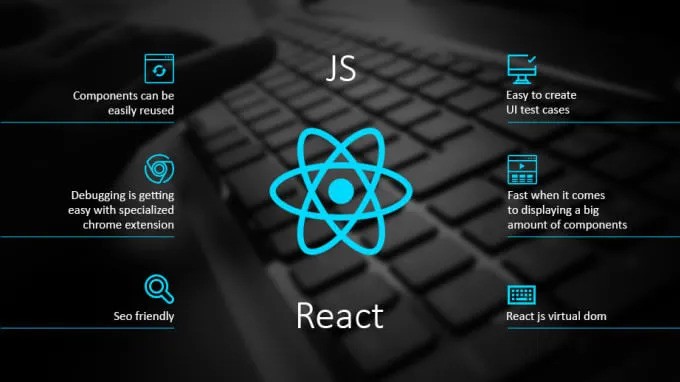
Frontend React Web
React is an open-source JavaScript library used exclusively for building dynamic, component-based user interfaces on the frontend. Maintained by Meta, it allows developers to build scalable web and mobile applications by breaking the UI down into reusable blocks of code called components.
JS Fundamentals Web
JavaScript is the programming language of the web. It can calculate, manipulate and validate data. It can update and change both HTML and CSS.
HTML-JS DOM
The HTML DOM can be used to access HTML elements. The most common way to access an HTML element is to use the id of the element:
Web Development with HTML/CSS
Responsive Web Design is about using HTML and CSS to automatically resize, hide, shrink, or enlarge, a website, to make it look good on all devices

AI and Machine Learning
Artificial Intelligence (AI) is the broad science of building machines that mimic human intelligence, while Machine Learning (ML) is a core subset of AI that uses data and algorithms to let computers learn patterns and improve without being explicitly programmed. Google Cloud +2
Built for real school operations, not demo data
From lesson delivery to password recovery, SCMS is shaped around realistic roles, classroom ownership, and everyday admin constraints.
Interactive lessons & coding labs
Publish rich lessons with embedded media, guided questions, and integrated coding exercises students can attempt and submit.
Quizzes, supervised exams & analytics
Create timed quizzes and course exams, collect attempts, and surface passing/grade analytics for teachers and admins.
Form-based assignments & submissions
Author form-style assignments, collect structured responses, and grade automatically or manually with per-student feedback.
Attendance & gradebook
Record daily attendance, export reports, and keep a consolidated gradebook with assignment, quiz, and exam categories.
Scoped access & audit logs
Teacher-owned classrooms, admin auditing, and role-scoped access ensure data isolation and traceable changes.
Integrated resources & coding execution
Attach files, lesson resources, and run student code in sandboxed execution environments where applicable.
How SCMS works, step by step
A straightforward path from onboarding a school to running daily classroom operations, without extra complexity.
Set up school structure
Create academic years, departments, teachers, and classrooms so the workspace matches real operations.
Publish courses and lessons
Build courses, assign teachers, and share learning materials with the right students and classes.
Run daily classroom workflows
Track attendance, assessments, and student progress from a single role-aware interface.
Distinct spaces for each role, with stricter boundaries
The product experience is cleaner because access is cleaner: admins oversee the system, teachers work within their classrooms, and students stay focused on their own learning path.
Administrators
Oversee the whole system from one secure control center.
Teachers
Work only inside the classrooms you own.
Students
See only what belongs to your own learning path.
Everything you need to know before signing in
Do students need a personal email address?
No. Accounts are provisioned by an administrator with system-generated credentials, so schools can onboard students without collecting personal emails.
Can teachers see data outside their own classrooms?
No. Every lesson, course, quiz, attendance record, and gradebook entry is checked against teacher ownership before it's shown.
What happens if a student forgets their password?
Password recovery is admin-led. An administrator can reset credentials from the control center, keeping account recovery auditable.
Are any courses open to students outside a department?
Yes. Courses without a department are automatically open to everyone; department-specific courses require a teacher request and admin approval.
Contact the SCMS team from the public help desk
Report certificate issues, export errors, account problems, or general product questions.
Learn faster with a personal trainer by your side
Can't find what you need in a group class? Book a dedicated tutor for Math, Sciences, Computer Science, Languages, and more — on your schedule.
Sample monthly rates
* Prices shown are indicative. Confirm exact pricing when booking.
Schools, institutions & platforms that trust SCMS
From Rwandan universities and high schools to globally recognised education platforms.


Bring your school onto a modern, privacy-first workspace
Set up academic years, classrooms, and role-based access in minutes — no personal student emails required.
Get started for free